Bloom
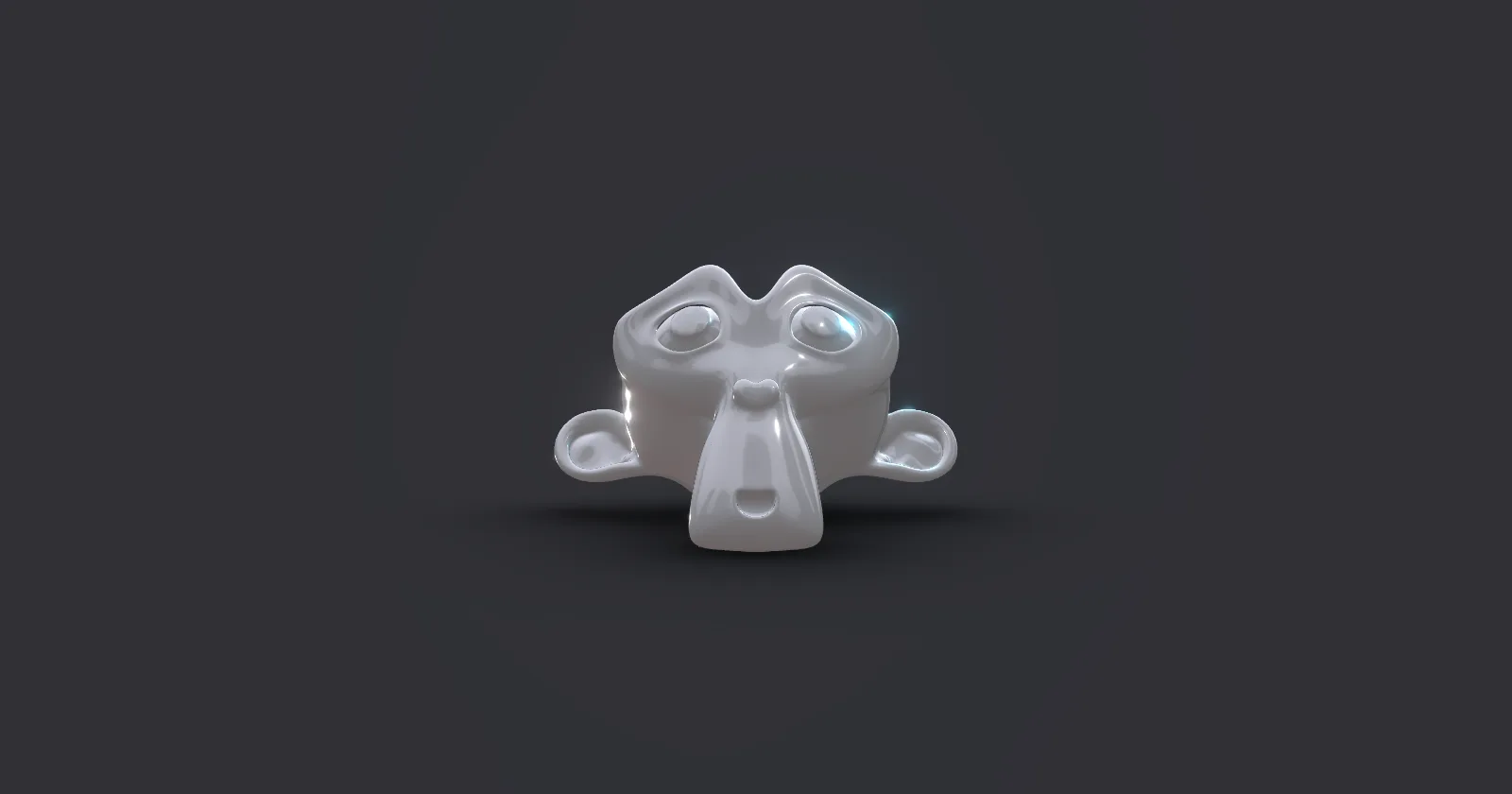
A bloom effect.
import { Bloom } from '@react-three/postprocessing'
import { KernelSize, Resolution } from 'postprocessing'

return (
  <Bloom
    intensity={1.0} // The bloom intensity.
    kernelSize={KernelSize.LARGE} // blur kernel size
    luminanceThreshold={0.9} // luminance threshold. Raise this value to mask out darker elements in the scene.
    luminanceSmoothing={0.025} // smoothness of the luminance threshold. Range is [0, 1]
    mipmapBlur={false} // Enables or disables mipmap blur.
    resolutionX={Resolution.AUTO_SIZE} // The horizontal resolution.
    resolutionY={Resolution.AUTO_SIZE} // The vertical resolution.
  />
)
Bloom is selective by default, you control it not on the effect pass but on the
materials by lifting their colors out of 0-1 range. a luminanceThreshold of 1
ensures that ootb nothing will glow, only the materials you pick. For this to
work toneMapped has to be false on the materials, because it would otherwise
clamp colors between 0 and 1 again.
<Bloom mipmapBlur luminanceThreshold={1} />

// ❌ will not glow, same as RGB [1,0,0]
<meshStandardMaterial color="red"/>

// ✅ will glow, same as RGB [2,0,0]
<meshStandardMaterial emissive="red" emissiveIntensity={2} toneMapped={false} />

// ❌ will not glow, same as RGB [1,0,0]
<meshBasicMaterial color="red" />

// ❌ will not glow, same as RGB [1,0,0], tone-mapping will clamp colors between 0 and 1
<meshBasicMaterial color={[2,0,0]} />

// ✅ will glow, same as RGB [2,0,0]
<meshBasicMaterial color={[2,0,0]} toneMapped={false} />
Example